You Don’t Need to Learn How to Prompt Your Home with Josh.ai
AI has made “prompting” sound like another skill everyone needs to learn. Add context. Be specific. Explain exactly what you want. That advice can help with a chatbot. It feels less natural when all you want is to make your home more comfortable.
After a long day, you may want a calmer living room without having a list of light levels, shade positions, and device names in your head. The starting point is the experience you want, not the command you have to remember. With Josh, it is easy to create scenes and control a connected home using everyday language.
Start With the Outcome
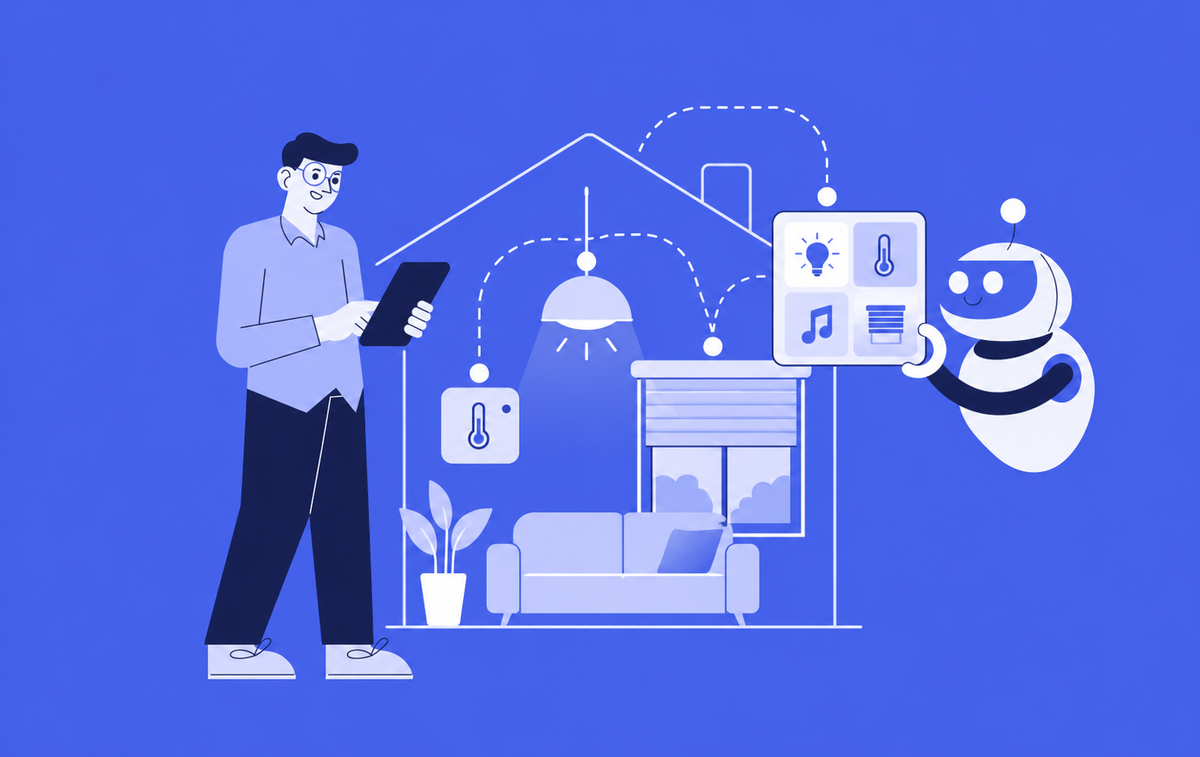
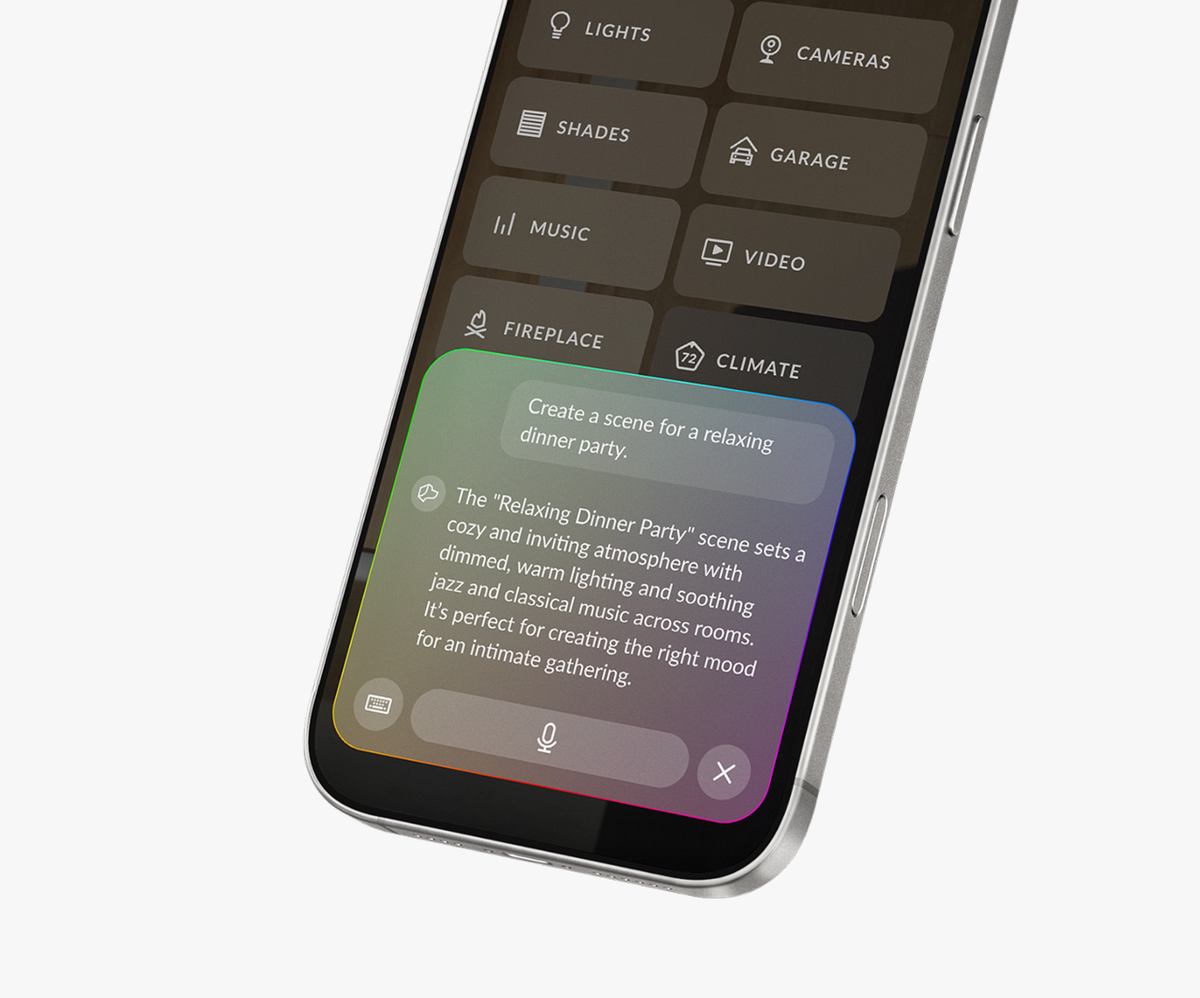
AI Scene Creation in AI X OS lets a user describe how they want their surroundings to feel and generates a scene using the devices in their home. For example, “make the living room feel calm for a relaxing evening” or “create a scene for a football Sunday” gives the system a starting point based on how people naturally think.
Instead of choosing every device and setting before you know the result, Josh enables you to begin with the idea and build from there. What can be activated in a scene depends on the devices available in the home, which is why it is important to build a Josh smart home with a compatible ecosystem of partner products
Convenience at Your Fingertips
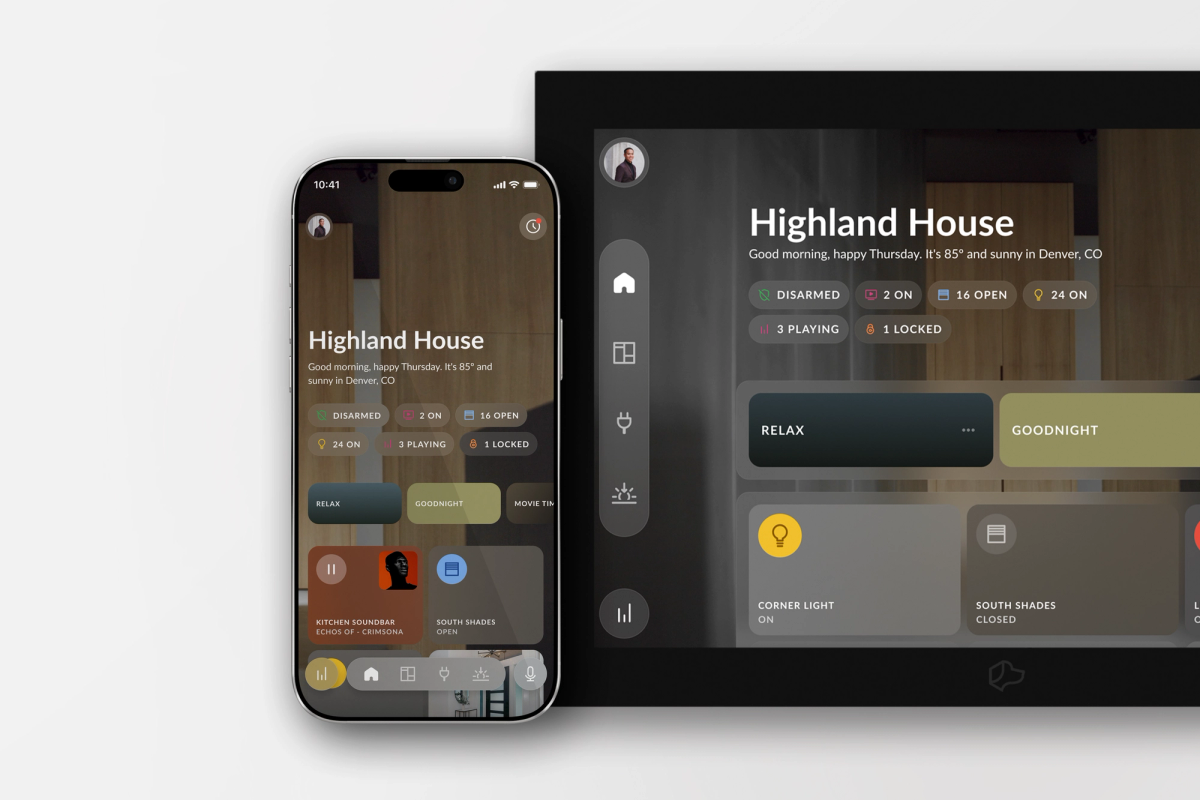
Natural language is only part of the experience. The Josh App brings voice, text, and touch together, with an active media hub and device controls in an intuitive control experience. If you are cold, you can say so. If music is playing, you can tap into controlling it without hunting through a list of devices. Interact in whatever way fits the moment.

How Our Team Lives With Josh
Erik Scott, a Sales Engineer on the Josh team, uses AI Scene Creation to think through everyday plans in terms of what he wants the home to do. For a football Sunday, he starts with the occasion and gives Josh the details that matter:
“Create a scene for myself and some friends for this weekend. On Sunday we're going to hang out and watch some football. The Kansas City Chiefs are playing the New England Patriots at 1, so put the game on the first floor and set the lights to the team colors. If it’s sunny outside, lower the shades halfway, otherwise you can leave them open. We're going to BBQ on the back deck so make sure to put some fun music on back there. Also make sure to set the front porch lights for the party to be over at 8pm.”
His good-night example carries the same level of detail into the end of the day:
“I want to create a good night scene to close all of the shades in the house, turn off all the lights, lock the doors and make sure the garage door is closed. If the family room tv is on before 11pm then set the family room lights to 10%. Make sure everything on the first floor is off after 11pm.”
For a dinner party, he describes how the evening will move through the home:
“Create a scene for a dinner party. My guest are set to arrive by 6pm. Set the lights and music to a fun atmosphere. We are going to be entertaining in the great room and then move into the dining room for dinner around 7 set the shades for the party.”
Each prompt starts with the plan, then brings the relevant devices, details, and timing into the scene.
An Easier Way to Show AI’s Benefit
For dealers, a strong demonstration can start with one ordinary moment and make it extraordinary. Ask what would make a room more comfortable, build a scene from that request, and show how a homeowner can continue refining their experience in the Josh App. The point is not to showcase AI for its own sake. It is to show how a connected home can feel easier to use when its controls are organized around the way people live.
You already know how you want your home to feel. With Josh, it is easy to describe, create, and customize the mood for every moment.